A capture card sits between a console and a display, then sends a separate video feed to a computer. The picture you play on and the file or stream you record are separate outputs. A card can pass 4K to a TV while recording only 1080p to the PC. That is the first distinction to make before buying for a PS5 or Xbox Series X.
All four cards below are external USB devices with HDMI input and output. They are suitable for different combinations of TV refresh rate, recording resolution and computer port. The table lists ceilings from the manufacturers; a specific input format and recording app can impose a lower limit.
| Capture card | Maximum passthrough | Recording distinction | Computer link |
|---|---|---|---|
| Elgato Game Capture Neo | 4K60 HDR | Up to 1080p60 | USB 3.0, 5Gbps |
| Elgato HD60 X | 4K60; 1440p120; 1080p240 | Up to 4K30 or 1080p60 HDR | USB 3.0, 5Gbps |
| Elgato 4K X | Up to 4K144 with VRR | Up to 4K144 SDR or 4K30 HDR | USB 3.2 Gen 2, 10Gbps for full modes |
| AVerMedia GC553G2 | Up to 4K144 HDR/VRR | 4K60 standard mode; higher modes depend on software | USB 3.2 Gen 2, 10Gbps |
Game Capture Neo: 1080p recordings from a 4K60 console
Elgato’s specification gives the Neo a 4K60 HDR passthrough path and a maximum 1080p60 capture feed. That is enough if the finished stream or upload will be Full HD and the TV runs at 60Hz. It uses a 5Gbps USB 3.0 connection and works with OBS. There is no 4K recording mode to uncover in software. Elgato also says the box includes a USB cable but no HDMI cable; a two-cable console-to-card-to-TV arrangement may require buying cables separately.
The supported-resolution table also lists 1080p120 passthrough, downscaled to a 1080p60 capture feed. It does not list 1440p120 or 4K120 passthrough. That distinction matters if a 120Hz screen is part of the setup: check its actual resolution before choosing the Neo.
Elgato Game Capture Neo
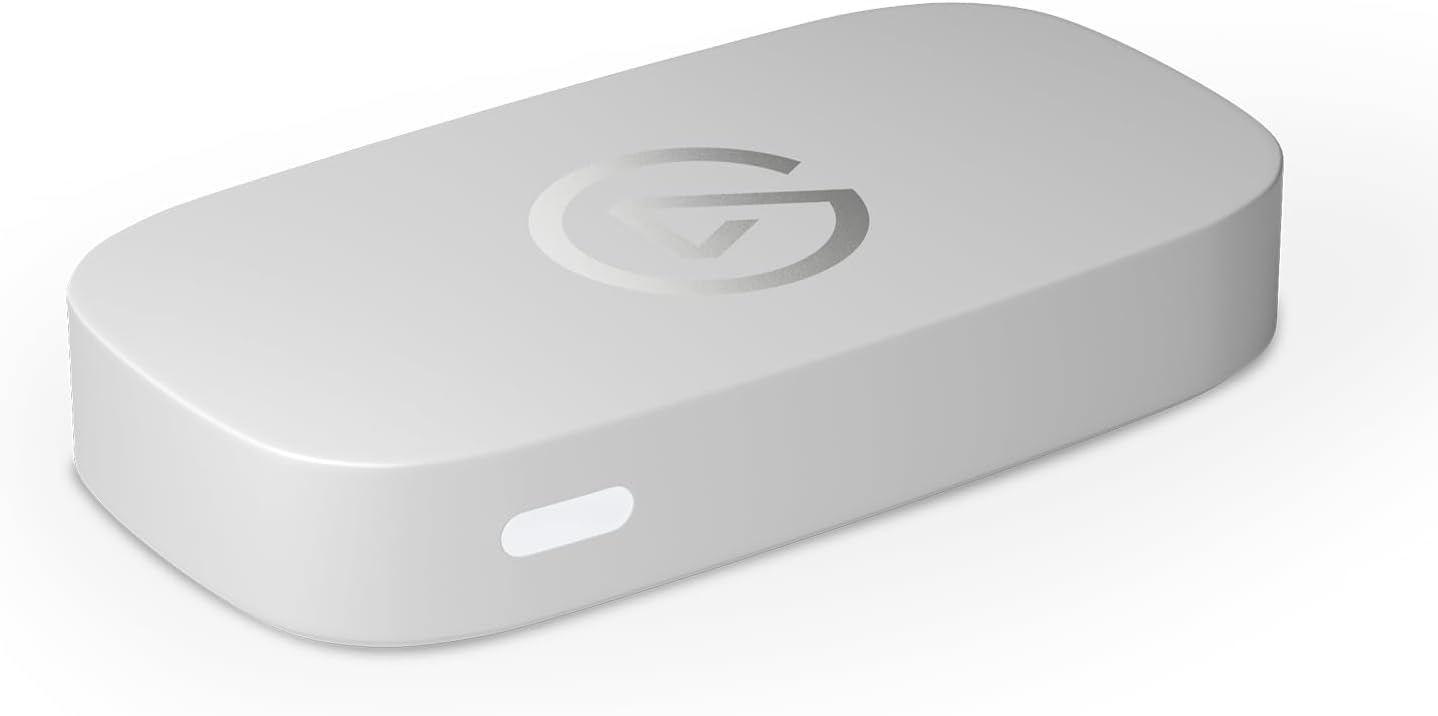
Capture: Up to 1080p60
Passthrough: Up to 4K60 HDR
Connection: USB 3.0 (5Gbps)
HD60 X: more flexible passthrough without a 10Gbps port
The HD60 X technical sheet lists 4K60, 1440p120 and 1080p240 passthrough with VRR. Its capture modes top out at 4K30, 1440p60 or 1080p60 HDR. That makes it relevant to players who use a 120Hz 1440p screen while sending a 60fps feed to OBS. It also has a 3.5 mm stereo line input, which the Neo’s spec sheet does not list. Like the Neo, it uses a 5Gbps USB 3.0 connection.
Do not read “4K60 passthrough” as “4K60 recording.” A 4K60 console signal can reach the TV, while the capture output is limited to a different resolution or frame rate. The HD60 X includes one HDMI cable and one USB cable in the box. Neo vs HD60 X examines whether those extra modes matter for a 1080p stream.
Elgato HD60 X
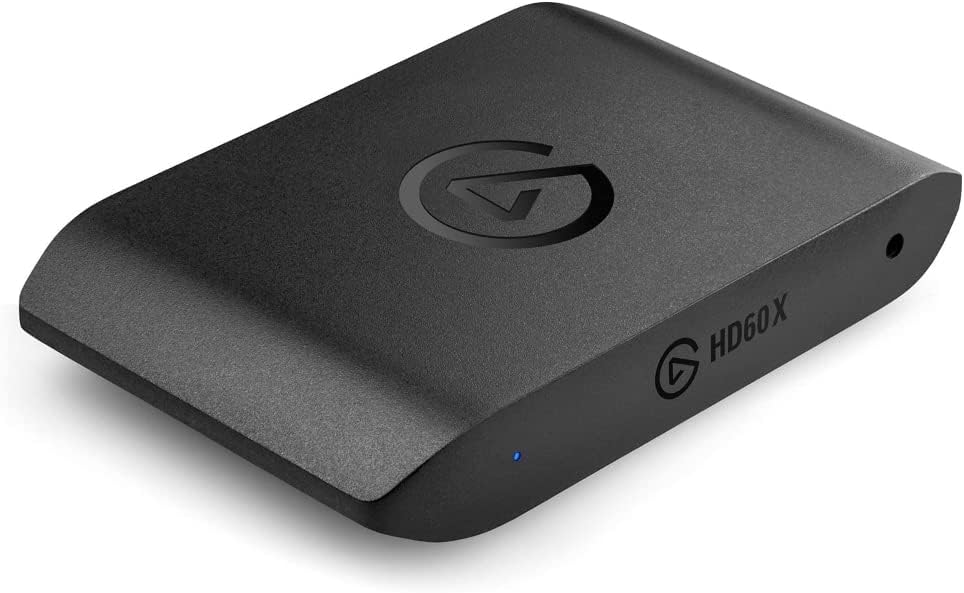
Capture: Up to 4K30 or 1080p60 HDR
Passthrough: 4K60, 1440p120 or 1080p240
Connection: USB 3.0 (5Gbps)
4K X: for an HDMI 2.1 display and a capable PC port
The Elgato 4K X specification moves to HDMI 2.1 and 10Gbps USB. It supports passthrough as high as 4K144 with VRR, and its capture modes include 4K60 and higher SDR frame rates. Elgato’s detailed input/capture matrix matters here: maximum frame rate varies with colour format, HDR and the actual console signal. HDR recording has lower ceilings than the headline 4K144 SDR mode; Elgato lists up to 4K30 HDR. It is easy to overbuy this card if the recording target is still 1080p60 and the display is 60Hz.
The computer needs a real USB 3.2 Gen 2 connection to access the full set of capture modes. Elgato says a 5Gbps port works with reduced recording resolution. Its box includes a USB-C cable and an HDMI cable, while the console-to-card-to-display chain needs two HDMI connections. The HD60 X vs 4K X comparison lays out the upgrade decision.
Elgato 4K X
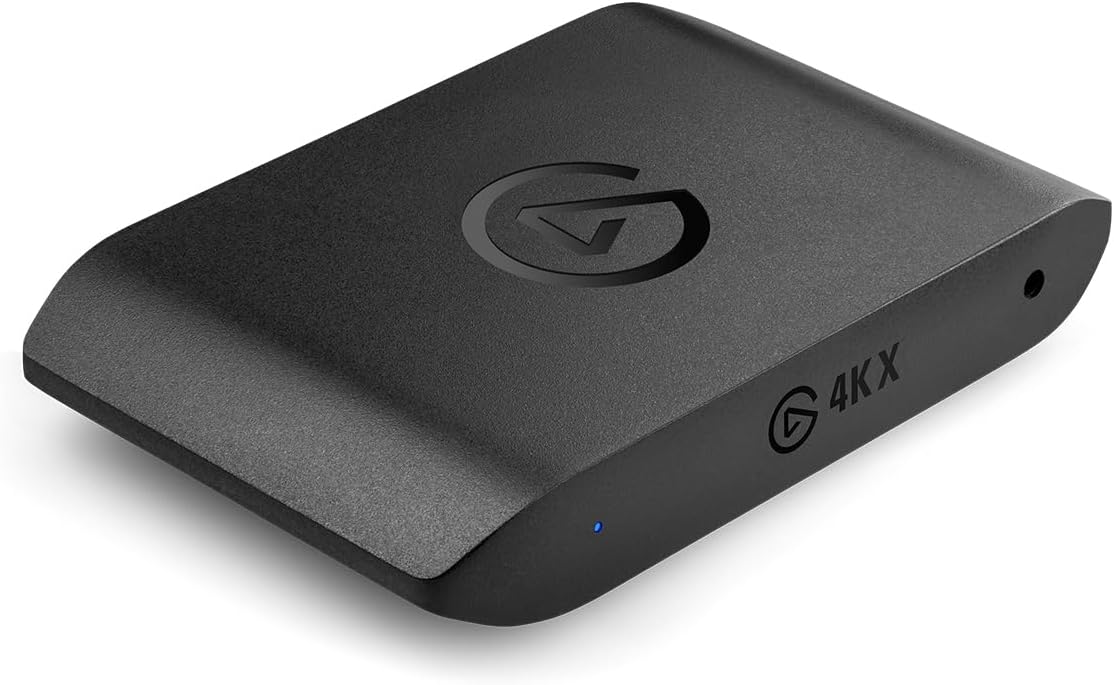
Capture: Up to 4K144 SDR; 4K30 HDR
Passthrough: Up to 4K144 with VRR
Connection: USB 3.2 Gen 2 (10Gbps)
AVerMedia GC553G2: a second HDMI 2.1 route
The Live Gamer ULTRA 2.1 also uses HDMI 2.1 and 10Gbps USB, with 4K144 HDR/VRR passthrough. AVerMedia’s newer firmware and software support up to 4K144 capture in its Streaming Center on Windows, while its Mac guidance describes up to 4K60 through OBS. That software distinction is important: the highest headline mode is not a promise that every application and computer will record 4K144. The GC553G2 includes HDMI and USB-C cables plus a 3.5 mm audio cable, according to its manual. Check the current software and firmware requirements before buying specifically for a high-frame-rate recording mode.
AVerMedia Live Gamer ULTRA 2.1 (GC553G2)
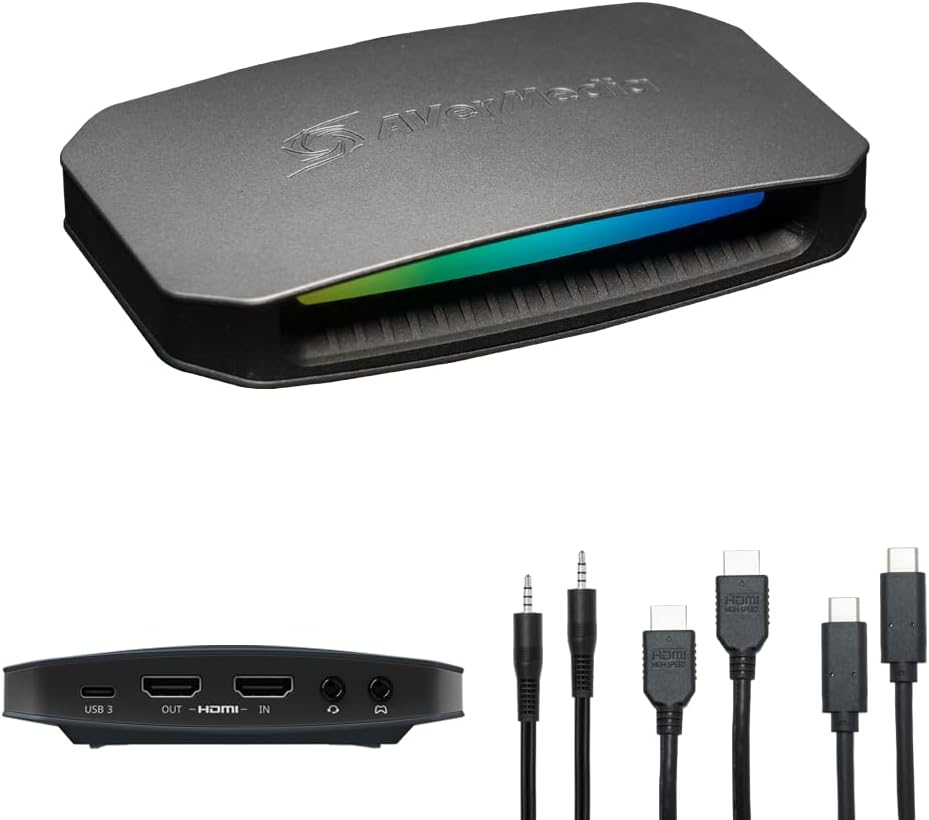
Capture: Up to 4K144 with supported Windows software; 4K60 standard mode
Passthrough: Up to 4K144 HDR/VRR
Connection: USB 3.2 Gen 2 (10Gbps)
Check the display and the computer before choosing
First decide what the TV or monitor must receive: 4K60, 1440p120 or an HDMI 2.1 high-refresh signal. Then decide what the recording PC must receive, which can be a lower format. Finally check the PC’s USB port and capture software. The Neo is sufficient for a simple 4K60-to-TV, 1080p60-to-PC arrangement. The HD60 X keeps more high-refresh passthrough options while remaining on 5Gbps USB. The 4K X and GC553G2 make sense when HDMI 2.1 and a 10Gbps computer connection are already part of the setup.
On PS5, game capture also requires turning off HDCP in the console’s settings; Elgato’s setup instructions explain that an HDCP-protected signal appears black. This is a console setting and protected video apps remain outside normal game capture. Check the exact product variant and connection requirements on the retailer listing before ordering.